
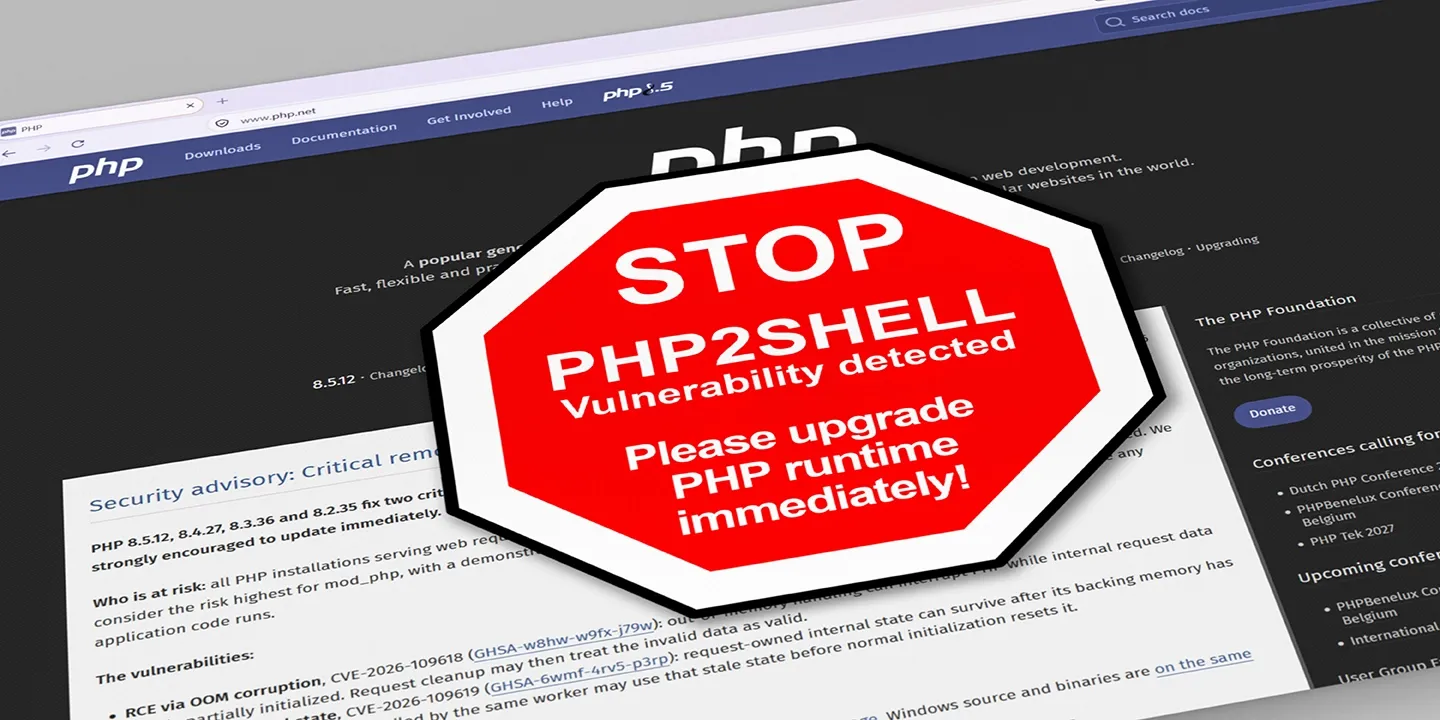
A good website needs more than good design. It needs the software behind it kept in good shape too.
PHP2Shell is a reminder of why that matters. CVE-2026-109618 is a critical vulnerability in PHP, the software used by websites built with WordPress, WooCommerce, Laravel and many other platforms. In affected environments, it can allow an attacker to run code on a server without logging in. PHP’s security team rated it 9.2 out of 10 for severity.
That deserves attention. It doesn’t need panic.
The fix is available. The next step is making sure the PHP build actually serving your website contains it.
It’s not your plugins. It’s PHP.
When you hear about a website security issue, updating your plugins might be your first thought. Usually, keeping them current is a sensible place to start.
But this vulnerability sits in PHP itself. Updating WordPress, your theme or your plugins won’t fix it. The underlying PHP software needs patching.
In plain English, the flaw involves how PHP handles a request when a memory allocation fails. Under certain conditions, that can lead to memory corruption which an attacker may be able to exploit. The clearest demonstrated attack affects Apache running PHP through mod_php, but other PHP web-serving setups still need checking and patching. PHP-FPM should not be assumed safe.
You don’t need to know your server configuration inside out. You do need someone responsible for it to confirm the fix is in place.
What we did. And when.
On 21 October 2026, we began applying a temporary mitigation before PHP released its official fix, then followed up with the patched builds.
All times below are UK time
- From 07:00. We rolled out a temporary mitigation across managed and self-managed servers. This reduced risk but was not a complete fix. It began eight hours before PHP’s official update.
- 15:00: PHP released the fix in 8.5.12, 8.4.27, 8.3.36 and 8.2.35. The update became available immediately through the one-click Patch button in your dashboard.
- 19:24: our automatic rollout began patching servers across the platform.
The important distinction? A mitigation reduces exposure while the patch is being applied. It doesn’t replace the patch.
Which PHP versions are patched?
For supported PHP branches, the fixed releases are:
- PHP 8.2: 8.2.35 or later.
- PHP 8.3: 8.3.36 or later.
- PHP 8.4: 8.4.27 or later.
- PHP 8.5: 8.5.12 or later.
An earlier release in one of those branches needs updating unless your package provider confirms that the fix has been backported into your installed build.
If you’re still running PHP 8.1 or older, there’s a longer-term job to do too. Those versions no longer receive normal upstream releases. Some older branches have source-only fixes, and providers may supply patched packages, but that doesn’t restore ongoing upstream support.
A confirmed back-port can address this vulnerability. Moving to a supported PHP version is the better plan for future maintenance. Test the change on a staging copy before switching your live website.
What should you check?
Start with one question for your hosting provider or web team:
“Does the PHP build serving our website contain the fix for CVE-2026-109618?”
Ask them to confirm the installed build, not just the major version. “We’re on PHP 8.3” isn’t enough information to establish whether the fix is present.
Check staging sites and other PHP environments as well. If PHP runs inside a container, updating the host server won’t automatically update the PHP software inside that container.
If you manage your own server, install the appropriate patched packages and restart or reload the relevant PHP services. The update needs to be running, not simply installed.
Vulnerable doesn’t mean hacked.
A vulnerable PHP version is a reason to act. It isn’t proof that your website has been compromised.
By 23 October 2026, security researchers had recorded targeted probing and attempted exploitation. The publicly reported evidence did not establish a successful compromise.
If you notice unexpected file changes, unfamiliar administrator accounts or unusual server activity, get your hosting provider or security team to investigate. A patch closes the vulnerability; it doesn’t remove anything an attacker may already have left behind.
Keep the website working. Keep the software current.
Your website should work hard for your business. Keeping its underlying software up to date is part of making sure it can.
For PHP2Shell, the next step is straightforward: confirm the patch is running, check every environment and plan a move away from unsupported PHP versions.
Not sure where to start? Speak to your hosting provider or web team. You shouldn’t need to become a server specialist to get a clear answer. Still struggling? Get in touch with us. At Sourcefour. we are here to help.
